


Tagging someone on Facebook

You tag someone on Facebook by typing the @ sign, followed immediately by the name of a person or page. Then choose the correct profile...
Why is my Facebook page not published?
Your Facebook page is usually unpublished because an admin unpublished it, the parent page is not active, or Facebook placed a restrict...
Facebook comments are not displayed
Facebook comments usually do not disappear for real. Often they are sorted under Top comments, hidden, blocked by a page filter for cer...
Can you see who views your Facebook profile?
No. Facebook does not show who views your personal profile. There is no official list of profile visitors. That also applies to profess...

Spotify Wrapped is missing: how is that possible?
Spotify Wrapped is usually missing because the annual experience is no longer active, your Spotify app is out of date, you are using th...
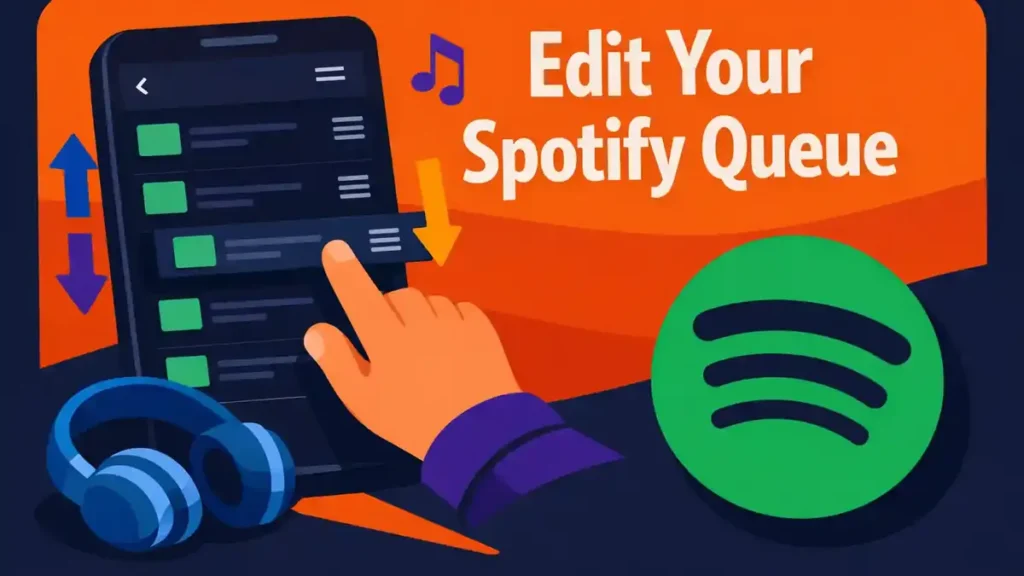
Adjust Spotify’s queue
You adjust Spotify’s queue from the Now Playing screen. Open the queue icon there. Then you can add songs, remove them, or drag them to...
What is Spotify Jam and how does it work?
Spotify Jam is a shared listening session in which several people listen to music at the same time and add tracks to the same queue. Yo...

Create a collaborative Spotify playlist
You create a collaborative Spotify playlist by inviting contributors to a playlist that you manage. Open your playlist, tap or click th...
Spotify lyrics not working
Are Spotify lyrics not working? First test several well-known songs. If the lyrics are missing only for one song, that track is probabl...
What does a copyright claim mean on YouTube?
A copyright claim on YouTube means that someone is asserting rights over music, visuals, or other material in your video. It can be a r...


