


Instagram Notes: what they are and how to use them

Instagram Notes are short updates of up to 60 characters that can appear at the top of your inbox and on your profile for 24 hours. In ...

How does Close Friends work on Instagram?
With Close Friends on Instagram, you can share Stories, Notes and sometimes other content with a group of people you choose yourself. I...

Scheduling Instagram posts
You can schedule Instagram posts directly in the mobile Instagram app if you have a professional account. Create a photo, carousel or R...

How to pin comments on Instagram
To pin a comment on Instagram, open your own post or Reel, then open the comments section. On an iPhone, swipe left across the comment....

Instagram Collab post: what is it and how does it work?
An Instagram Collab post is a single shared post or Reel from multiple accounts. The original creator invites another account to be a c...

How to pin a post on Instagram
You can pin an Instagram post by opening your own post in the mobile app, tapping the three dots in the upper right, and choosing Pin t...

Instagram likes: can you see who liked your post?
Yes. On a regular Instagram post, you can see which accounts have liked it. Open the post and tap the number of likes below the photo, ...

How to permanently delete your Instagram account
You can permanently delete your Instagram account through the Accounts Centre. Go to Personal details, choose Account ownership and con...
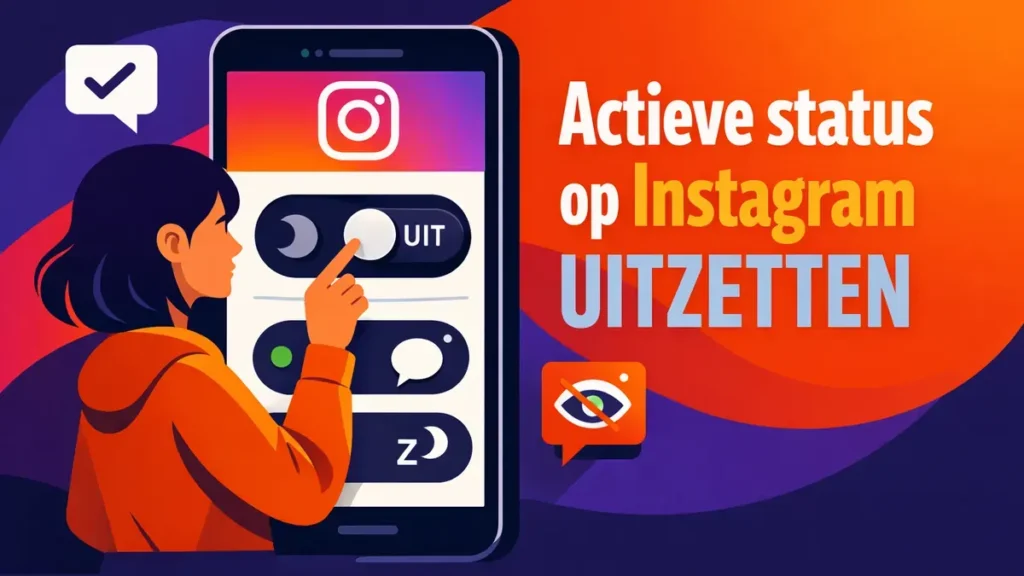
How to turn off your active status on Instagram
You can turn off your Instagram active status through Profile > menu > Messages and story replies > Show activity status. Swit...

Temporarily deactivate your Instagram account without deleting it
You can temporarily deactivate Instagram through Accounts Centre, Personal details, Account ownership and control, and Deactivation or ...


