

How to hide an Instagram post without deleting it

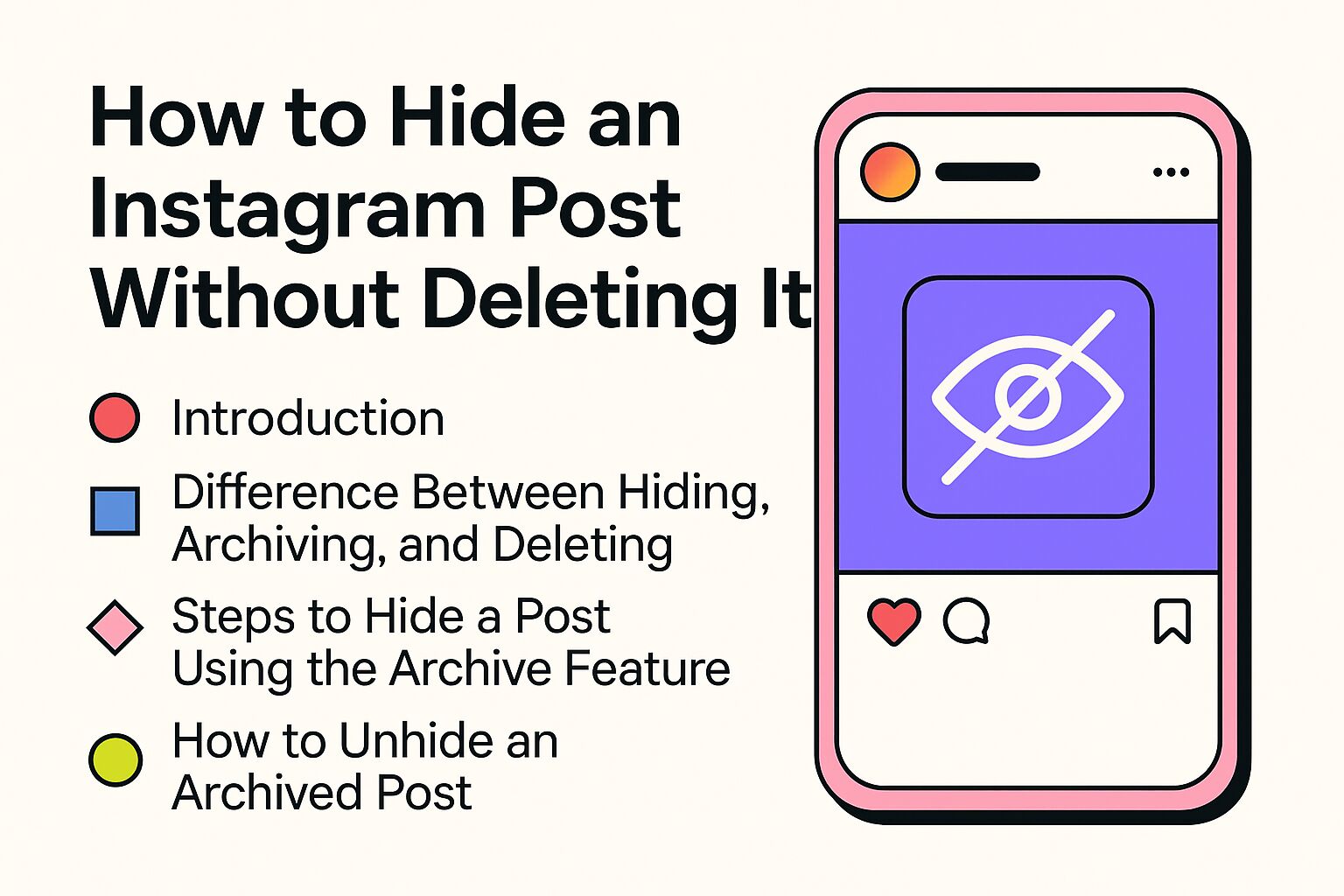
Want to hide an Instagram post without losing everything? Archiving is usually the best option. Your post disappears from your profile and feed, but remains saved for you with its likes, comments and original date. Nobody gets a notification. If you change your mind later, you can simply put the post back.
This is useful when a photo no longer suits your profile, when you want to make your feed look calmer or when you want to take a post out of view temporarily without deleting it forever.
Why would you hide an Instagram post?
For many people, Instagram is more than a place for random photos. It can feel like a digital diary, portfolio, business card or simply a place where you show who you are. Because of that, an old post can suddenly feel wrong later.
There are many normal reasons to hide a post instead of deleting it:
- Your feed looks messy and you want a calmer look or a different style.
- An old post no longer reflects who you are now.
- You are working on a new look, for example, for a brand, business or personal profile.
- A photo or video reminds you of something you would rather not show publicly.
- You want to tidy things up temporarily, but are not yet sure whether something should be removed.
- You want to keep old content for yourself, including comments, likes and memories.
The good thing about archiving is that you do not have to make a final decision. Deleting often feels harsh because the post is gone afterwards. Archiving gives you more space to decide calmly.
Difference between hiding, archiving and deleting
The words hiding, archiving and deleting are often used as though they mean the same thing, but they do not on Instagram. This overview makes the differences clear.
| Action | What happens? | Can you undo it? | When is it useful? |
|---|---|---|---|
| Archiving | The post disappears from your profile and is visible only to you. | Yes, you can restore the post. | When you want to hide something temporarily without losing likes and comments. |
| Deleting | The post is removed from your account. | Only if Instagram still shows the post in Recently deleted. After that, no. | When you are sure you no longer need the post. |
| Hiding | This can mean different things, such as hiding a story, removing a tag or making your profile private. | Usually, but it depends on the setting. | When you want to control who can see certain content. |
For regular feed posts, archiving is the safest way to hide something. You do not lose the content, and you can always reconsider your decision later.
Hide an Instagram post by archiving it
Archiving an Instagram post is quick. You do not need an extra app, and you do not need to download the post first.
- Open Instagram and go to your profile.
- Tap the photo, video or carousel you want to hide.
- Tap the three dots in the top right.
- Choose Archive.
- The post immediately disappears from your profile.
From that moment, other people can no longer see the post on your profile. You can still find it in your archive. The post remains saved, but it is no longer public among your other posts.
If you do not see the Archive option straight away, check whether you are using the latest version of the Instagram app. Menus can sometimes have slightly different names or appear in a different place, depending on your mobile and app version. The Instagram Help Centre is useful if you want to check exactly where Instagram currently places a setting.
What happens after you archive a post?
Several things happen at the same time after archiving:
- The post is no longer visible on your profile.
- The post remains visible to you in your archive.
- Likes and comments are saved.
- The post’s original date is saved.
- Other people do not receive a notification.
- If you restore the post later, it reappears in its old place in your feed.
That last point is useful to know. An old post will not suddenly move to the top of your profile as though it had just been posted. It returns to where it was before.
Can you archive multiple Instagram posts at once?
In some Instagram accounts, you can manage multiple posts through your activity. If you see that option, you can select several posts and archive or delete them at the same time. This is useful if you are tidying up on a larger scale.
You can try this by following these steps:
- Go to your profile.
- Tap the menu in the top right.
- Go to Your activity.
- Choose a section such as photos and videos.
- Select multiple posts if that option is available.
- Then choose archive or delete.
Pay close attention to what you tap. Archiving is easy to undo. Deleting is riskier, especially if you select many posts at once. Take a moment before confirming a large selection.
Restore an archived Instagram post
Want to make a hidden post visible again? You can restore it from your archive.
- Open Instagram and go to your profile.
- Tap the menu in the top right.
- Tap Archive.
- Choose the correct archive, such as your posts archive.
- Open the post you want to restore.
- Tap the three dots.
- Choose Show on profile.
The post reappears in the same place on your profile as before. Its likes and comments return with it. You do not have to post it again, and you do not lose old comments.
Where can you find your Instagram archive?
Your archive is usually in the menu on your profile. There, you can switch between different types of archives, such as:
- Posts archive for posts you have archived yourself.
- Stories archive for stories, if your story archive is turned on.
- Live archive or other archive options, if they are available in your account.
Instagram sometimes changes its menus. If you do not see an option, update the app and check the menu on your profile again. You can also find additional explanations on Instagram’s official help pages about account settings and privacy, for example, through Instagram’s guide to managing your activity.
Can you hide an Instagram post from specific people?
For a regular existing feed post, the short answer is: not really. Instagram does not have a simple button that lets you hide one normal post from a specific follower while everyone else can still see it.
You have a few alternatives, depending on what you want to achieve:
- Archiving: nobody can see the post except you.
- Blocking someone: that person can no longer view your profile and posts through that account.
- Making your account private: only approved followers can see your posts.
- Hiding stories: you can exclude specific people from stories.
- Using Close Friends: useful for content you only want to share with a smaller group, especially through stories and wherever Instagram offers this option.
Blocking is a strong choice. Use it mainly if you genuinely do not want someone to see your content or contact you. If you only want to make your profile a little less public, a private account often feels more comfortable.
If you mainly want to reduce who can access your profile, reviewing your followers can also help. For more extensive tidying, you can read more about how to delete Instagram followers sensibly and quickly.
Alternatives to hiding Instagram content
Archiving is useful for posts, but Instagram has more settings that can make your profile calmer, safer or more personal. The best option depends on exactly what you want to hide.
1. Hide stories from specific people
You have more control over stories than regular posts. You can hide a story from specific people.
- Go to your profile.
- Tap the menu in the top right.
- Go to settings and privacy.
- Look for story settings or story.
- Choose Hide story from.
- Select the people who should not be able to see your story.
This is useful if you want to keep some updates more personal without blocking someone straight away. Keep in mind that this applies to stories and not automatically to your regular feed posts.
2. Remove or approve tags in photos
Have you been tagged in a photo that you would rather not show on your profile? You do not always have to ask the person who posted it to delete the photo. You can manage the tag yourself.
- Open the photo you are tagged in.
- Tap your name or username.
- Choose to remove the tag or not show the photo on your profile.
You can also set tags to require your approval before they appear on your profile. This gives you much more control, especially if other people tag you often.
3. Turn on a private profile
If your main goal is to stop strangers from seeing your content, a private account is a good option.
With a private account, only approved followers can view your posts, reels and stories. People who do not follow you yet must send a follow request first.
You can usually set your profile to private by following these steps:
- Go to your profile.
- Tap the menu in the top right.
- Go to settings and privacy.
- Look for account privacy.
- Turn on Private account.
A private account is particularly suitable for personal profiles. It can be less useful for creators, businesses and public profiles because new people cannot easily view your content. Instagram also explains privacy settings through the official privacy information.
4. Limit or turn off comments
Sometimes you do not want to hide the entire post, but you do want to make the comments calmer. In that case, you can limit, filter or turn off comments for a specific post.
This is useful if a post receives many unwanted comments but you still want to keep it visible. Check the post menu or your privacy settings to see which comment options are available for your account.
5. Delete a post if you are sure
Deleting is the best choice if you genuinely no longer want to keep a post. Examples include old information, incorrect images or content you no longer support.
Even so, it is sensible to archive first if you are unsure. It is harder to go back after deleting. If Instagram temporarily keeps the post in Recently deleted, you may be able to restore it, but do not rely on that without checking. For important photos or videos, downloading them or saving them on your mobile is always sensible.
Archive or delete: which is smarter?
Not sure whether to archive or delete? In most cases, choose archive. It is the safe middle ground.
| Situation | Best choice | Why? |
|---|---|---|
| Your feed needs to look neater. | Archive | You take the post out of view without losing it. |
| You are working on a new style or brand look. | Archive | You can still look back later and decide what you want to keep. |
| The post contains incorrect or sensitive information. | Delete or archive | Deleting makes sense if the information genuinely should no longer be online. |
| You want to take a post out of view temporarily. | Archive | You can easily restore it later. |
| You do not want one person to see the post. | Block, make private or use story settings | You cannot hide a regular feed post from one specific person. |
Clean up your Instagram feed without regret
Cleaning up a feed sounds simple, but if you move too quickly, you may delete posts that later prove valuable. Older accounts, in particular, often contain memories, comments or collaborations that you cannot easily recover.
Use this measured approach instead:
- Start by archiving, not deleting. This lets you get used to your new profile without making final choices.
- View your profile as a visitor would. Which posts still suit your look, and which feel unnecessary?
- Keep posts with valuable comments. Even if the photo is old, the comments or context can still matter.
- Take screenshots for yourself if needed. This is useful for memories or old collaborations.
- Wait a few days before deleting permanently. You can often see more clearly afterwards what can genuinely go.
For creators and businesses, cleaning up is often part of improving the whole profile. If you have refreshed your profile and want to build it more actively afterwards, you can also explore the Instagram options from SocialKings through Instagram products. Some users combine a cleaner feed with more visibility through buy Instagram followers, additional social proof through buy Instagram likes or more attention for video content through buy Instagram views. Consider this support alongside good content, not a replacement for a profile that feels logical and trustworthy.
Plan your feed with the archive feature
If the visual side of Instagram matters to you, for example, for a business, creator profile or portfolio, archiving can help you bring your feed back into balance. You can temporarily remove old posts, see how your profile looks and then decide what can return.
Apps such as Preview and UNUM can help you preview new posts. This makes it easier to see which colours, photos and topics work well next to each other. Use these apps mainly as tools. Your feed does not have to be perfect. A profile that feels clear, genuine and active often works better than one that is so polished that it becomes impersonal.
Useful times to archive posts
- Before a new launch or announcement.
- When you move from personal content to business content.
- After a collaboration that is no longer current.
- When you want to take old promotions, prices or information out of view.
- When you temporarily want to show fewer personal photos publicly.
Common mistakes when hiding Instagram posts
The archive feature is simple, but there are a few mistakes you can easily avoid.
- Deleting too quickly. If you are unsure, archive first. You can always delete later.
- Thinking archiving is the same as making your account private. Nobody sees an archived post, but your other posts remain visible according to your usual privacy settings.
- Forgetting to check tags. Even if your own feed is tidy, tagged photos can still appear on your profile.
- Expecting to hide regular posts from specific people. Instagram does not offer this in the same way as some other platforms.
- Not saving important content outside Instagram. Keep valuable photos and videos outside Instagram as well.
Frequently asked questions about hiding Instagram posts
Does someone get a notification if I archive an Instagram post?
No. Instagram does not send your followers a notification when you archive a post. The post simply disappears from your profile.
Are likes and comments saved when I archive a post?
Yes. Likes and comments are saved. If you restore the post later, they return with it.
Will a restored post appear at the top of my feed?
No. The post returns to its original place with the old date. It is not placed at the top as a new post.
Can I edit an archived post?
The available options can vary by app version. The archive is mainly designed to save and restore posts. If you want to make sure you can properly adjust a caption, location or tag, restore the post and then check the editing options in the post menu.
Can I archive reels?
Instagram offers different management options for different types of content. You may see archive or delete for some reels, while the options for other content may appear differently. Open the reel, tap the three dots and see which choices are available for your account.
Are stories archived automatically?
Stories can be saved automatically in your stories archive if that setting is turned on. A story disappears after the usual period in which it is visible, but it can still be available to you in the archive.
Can I hide a post from only one follower?
Not with a regular existing feed post. You can archive the post for everyone, make your account private, block someone or exclude specific people from stories.
Is archiving better than deleting?
If you are unsure, yes. Archiving is safer because you can restore the post later. Deleting is mainly suitable when you are sure you no longer want to keep the content.
The safest choice when you want to hide an Instagram post
If you want to remove an Instagram post from your profile without losing it, archiving is the best option. It is quick, discreet and reversible. Nobody gets a notification, your likes and comments are saved, and you can show the post again later if you change your mind.
Only use delete if you are sure the post can genuinely go. If privacy is your main goal, also check your story settings, tags, blocks and private account option. This lets you stay in control of what people see without unnecessarily losing valuable content.


